
In Part 1 of this series, we made the case that many businesses feeling constrained by QuickBooks are actually constrained by how it has been configured and what has not been built on top of it. Custom AR automation, revenue recognition middleware, reconciliation workflows, and AP approvals can close the gap for most services companies at the mid-market level without a platform migration.
But not always.
There are situations where the problem is not configuration or automation. It is the platform itself. Recognizing that moment clearly before it costs you a year of workarounds or a poorly planned migration is what this post is about.
We will also walk through the platforms worth evaluating for services companies and how to assess fit based on what you actually need, not what a vendor demo makes look compelling.
4 Signs You’ve Outgrown QuickBooks
These are not signals that QBO is inconvenient or under-configured. They are structural limitations that no amount of middleware or workflow design can fully resolve.
1. Auditors Are Raising Control Concerns
If auditors are identifying weaknesses in permissions, audit trails, or transaction controls, you may be facing a platform limitation rather than a process issue.
Common warning signs include:
- Audit findings related to user permissions
- Concerns about historical transaction edits
- Limited visibility into who changed financial records
- Increased scrutiny around financial controls
QBO allows any authorized user to edit historical transactions without restriction and without a meaningful log of what changed, when, and by whom. For a business with investor reporting requirements, regulatory obligations, or audit-readiness expectations, that is a structural gap that no configuration or third-party tool can fully close.
2. Your Compliance Requirements Exceed What QuickBooks Can Support
As compliance expectations increase, the accounting platform itself can become a limiting factor.
You may have outgrown QBO if your business requires:
- Advanced role-based access controls
- Detailed audit trails
- Investor-grade financial reporting
- Formal compliance frameworks
- Strong governance and segregation of duties
This is different from wanting tighter controls. It is a situation where your compliance requirements exceed what the platform was designed to deliver.
For companies preparing for a fundraise, acquisition, or more rigorous compliance environment, ERP-class systems often provide the governance capabilities that QBO cannot natively support.
3. Your Finance Team Is Spending More Time Managing Workarounds Than Doing Finance
Custom solutions on QBO should reduce manual work, not become their own maintenance burden. If your team is spending significant time maintaining integrations, reconciling discrepancies between middleware and QBO, or managing system exceptions rather than doing actual financial analysis, the custom solution layer has outgrown the platform underneath it.
This is a softer signal than the compliance ones above, but it is real. When the infrastructure holding your accounting operations together starts requiring more management than the operations themselves, the economics of staying on QBO have shifted.
4. You Need ERP-Level Capabilities as a Business Infrastructure Decision
There is a point in a services company’s growth where the accounting system question becomes an infrastructure question. When your leadership team is evaluating the business at a scale where having a modern ERP is itself a signal of operational maturity, not just a functional requirement, that changes the calculus.
At this stage, leadership teams typically need more than accounting functionality. They need an integrated platform that supports financial controls, project operations, reporting, resource management, and scalability.
The question is no longer whether QuickBooks can perform a specific task. The question becomes whether the platform can support the next stage of the business.
For many services companies, that is the point where evaluating an ERP becomes a strategic initiative rather than a software upgrade.
One honest note: if you are reading these signals and only one of them applies, and it is the softer one about workaround burden, then go back to Part 1 before making a migration decision. The threshold for migration should be high because the cost and disruption are real.
What Is an ERP for a Services Company?
An ERP (Enterprise Resource Planning system) connects accounting, project management, resource planning, billing, and reporting in a single platform.
A modern ERP typically provides:
1. Project/Case profitability tracking –
Project or case profitability is visible in real time, not reconstructed at month-end from exports
2. Revenue recognition automation –
Revenue recognition happens automatically as milestones are hit or time passes, with full audit documentation
3. Multi-entity reporting –
Financial reporting is dimensional. One can slice by client, project, department, or service line without pivot tables
4. Approval workflows, permission controls, and audit trails are native to the platform, not patched in
This is the gap between QuickBooks (even a well-configured QuickBooks) and an ERP-class platform. QuickBooks is an accounting system. A modern ERP is an operating system for your finance function.
The question to answer before you evaluate platforms is: which of those capabilities do you actually need, and which are nice-to-have? The answer determines which platform fits and how much platform you actually need.
Comparing ERP Alternatives for Services Companies
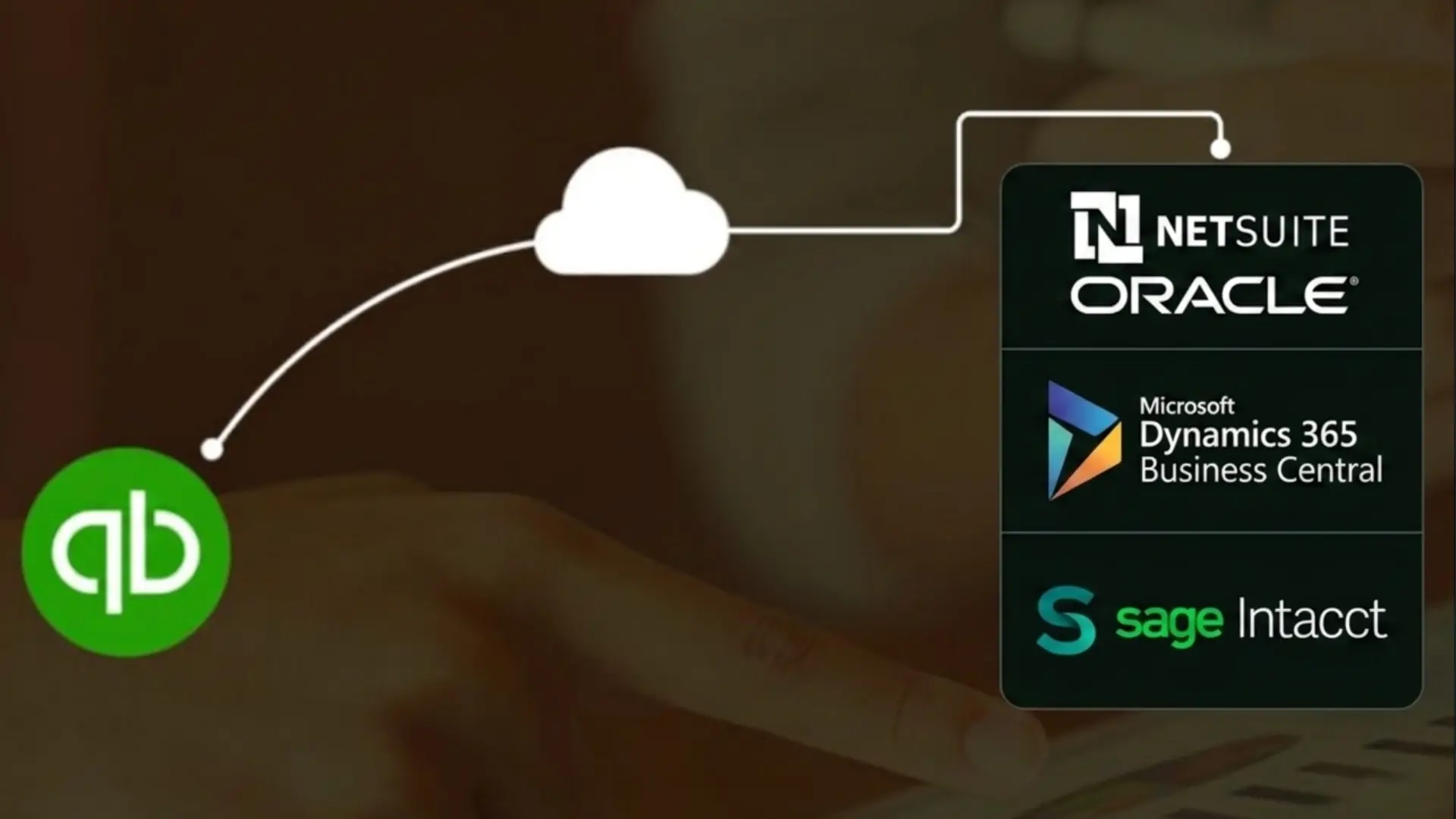
There are three platforms that consistently appear in the right conversation for services companies at the mid-market level. The right ERP depends less on the vendor and more on the capabilities your business needs. The table below highlights where each platform tends to be strongest for services organizations.
No platform is universally “best.” The right choice depends on whether your primary challenge is financial reporting, operational scalability, compliance requirements, or ecosystem alignment.
| Capability | Oracle NetSuite | Sage Intacct | Microsoft Dynamics 365 Business Central |
|---|---|---|---|
| Best Fit | Services companies looking for a full ERP that connects finance, project operations, resource management, and billing. | Organizations primarily focused on financial reporting, compliance, and multi-entity management. | Companies already operating within the Microsoft ecosystem and looking for tighter integration across business systems. |
| Financial Reporting | Provides robust reporting with support for operational and financial visibility across the business. | Known for dimensional reporting that allows finance teams to analyze performance across multiple business dimensions. | Offers solid financial reporting capabilities, particularly when paired with Power BI. |
| Project Accounting | Includes dedicated professional services functionality for project accounting, utilization tracking, and billing. | Supports project accounting but often relies on additional tools for broader operational management. | Supports project accounting but is generally less mature than NetSuite for services-centric organizations. |
| Resource Management | Includes native resource planning and allocation capabilities. | Resource management typically requires separate applications or integrations. | Provides resource planning capabilities but is often better suited to mixed operations environments. |
| Multi-Entity Consolidation | Supports multi-entity organizations with centralized financial management. | Particularly strong in multi-entity reporting and intercompany consolidation. | Supports multi-entity structures but may require additional configuration depending on complexity. |
| Audit Controls & Compliance | Provides enterprise-grade permissions, audit trails, and governance controls. | Offers strong audit trails, role-based permissions, and compliance-focused financial controls. | Delivers stronger controls than QuickBooks but may not match the depth of specialized finance platforms. |
| Integrations | Large ecosystem of integrations and implementation partners across finance and operations. | Integrates well with finance-focused applications and third-party business systems. | Benefits from native integration with Microsoft 365, Teams, Outlook, SharePoint, and Power BI. |
| Implementation Considerations | Typically requires a larger implementation effort, higher investment, and experienced partners. | Usually less complex than NetSuite but still requires careful planning and process alignment. | Often easier to adopt for organizations already familiar with Microsoft products. |
| Primary Limitation | Cost, implementation complexity, and the need for strong governance during deployment. | Less comprehensive as a full operational ERP outside the finance function. | Professional services functionality may not be as mature as platforms built specifically for services organizations. |
How to Evaluate ERP Platform Fit
Feature comparisons are the least useful thing you can do at this stage. Every platform will show you a demo that makes it look capable of handling your requirements. The questions that matter are about fit, not features.
| Question to Ask | Why It Matters |
|---|---|
| Is your primary pain in financial reporting, audit controls, or full operational ERP? | The answer narrows the platform list significantly. • Sage Intacct for reporting depth. |
| What does your current tech stack look like, and what must you integrate on day one? | CRM, PSA, payroll, payments. A platform that can’t connect to your existing tools creates new problems while solving old ones. |
| What is the true three-year total cost of ownership? | Implementation, customization, training, and internal resource time often exceed the subscription cost. Get a full number before comparing platforms. |
| Who will own this implementation internally, and do they have the bandwidth right now? | A migration running alongside a normal close cycle is genuinely hard. Underestimating internal resource requirements is the most common mistake. |
| Have you spoken to reference customers similar to your business? | Real-world experiences provide more value than vendor demonstrations. |
A practical note on vendor demos: Every platform will configure a demo around your stated requirements. The demo will look impressive. What you want to see is a reference customer in professional services, at your revenue range, who went live 18 months ago and is willing to talk candidly. That conversation is worth more than any demo.
The Mistake Most Companies Make When Evaluating Platforms
The migration decision and the platform selection are two separate decisions. Most companies conflate them, which leads to expensive mismatches.
Deciding that you need to migrate does not tell you which platform to migrate to. And evaluating platforms before you have a clear picture of your requirements means you are essentially letting the vendor define your needs for you.
The right sequence is:
1. Define your requirements-
The goal is not to create a wish list. The goal is to document what your current system cannot do that your business genuinely needs.
2. Shortlist Platforms Based on Fit –
This is where you narrow the list. Identify which platforms address those requirements structurally.
3. Validate Through Real Customers –
Evaluate fit through reference customers and honest total cost of ownership.
4. Choose the Right Implementation Partner –
Not the platform vendor, but a partner with services company experience on that specific platform.
That last point deserves emphasis. The quality of your implementation partner matters as much as the platform you choose. A strong partner on a good platform delivers a functioning system. A weak partner on a great platform delivers an expensive disappointment.
Your existing QBO setup and custom solutions are an asset in this process, not a liability. A detailed understanding of how your accounting operations currently work is exactly the requirements documentation you need going into a platform evaluation. If you have built custom solutions on QBO, that work has already forced the kind of process clarity that most migration projects spend months trying to achieve.
How Nablasol Can Help at This Stage
One of the biggest mistakes companies make is engaging ERP vendors before they fully understand their own requirements.
By that point, the conversation is often being shaped by platform capabilities rather than business needs.
Nablasol works with service companies across all three stages: selecting the right system, preparing for migration, and supporting the transition itself.
We are not an implementation partner for NetSuite, Sage Intacct, or Dynamics, and we have no referral arrangement with any of them. That matters because it means we have no financial reason to steer you toward a specific platform. Our only objective is to help you make the right decision for your business.
In practice, that means:
- Defining your actual requirements before any vendor conversation happens
- Evaluating platform fit against those requirements without a platform bias
- Preparing your data, chart of accounts, and existing integrations for a clean migration
- Supporting the migration process so the transition doesn’t disrupt your accounting operations
If you are currently evaluating whether QuickBooks is still the right platform for your business, a discovery conversation with Nablasol can help you understand your options and prepare for the next stage of growth.
Book a discovery call with the Nablasol team
Next in this series: How to Migrate from QuickBooks — A CFO’s Practical Guide (Part 3)
Missed Part 1? Start here: Thinking About Moving Away From QuickBooks? Read This Before You Migrate
Frequently Asked Questions
What are the best ERP alternatives to QuickBooks for services companies?
The best alternative to QuickBooks depends on the challenges you are trying to solve.
For most mid-market services companies, the platforms most commonly evaluated are:
- Oracle NetSuite for organizations that need a full ERP connecting finance, project accounting, resource management, and services billing.
- Sage Intacct for companies focused on financial reporting, multi-entity consolidation, revenue recognition, and compliance.
- Microsoft Dynamics 365 Business Central for organizations already invested in the Microsoft ecosystem and looking for tighter integration with tools such as Microsoft 365, Teams, and Power BI.
How much does it cost to move from QuickBooks to an ERP?
The cost of moving from QuickBooks to an ERP includes more than software licensing. Implementation services, data migration, integrations, customization, training, and internal resource time can significantly impact the total investment. Before making a decision, evaluate the total cost of ownership rather than comparing license fees alone.
Compare features of popular accounting platforms for growing companies
For growing services companies, Oracle NetSuite, Sage Intacct, and Microsoft Dynamics 365 Business Central are among the most commonly considered options. NetSuite offers integrated financial management, project accounting, resource planning, and services billing. Sage Intacct is known for its financial reporting, multi-entity consolidation, revenue recognition, and compliance capabilities. Dynamics 365 Business Central provides strong core financial management and seamless integration with Microsoft 365, Teams, SharePoint, and Power BI. The best fit depends on your reporting needs, operational complexity, compliance requirements, and existing technology stack.
NetSuite vs Sage Intacct: Which Is Better for a Professional Services Company?
Sage Intacct is often the stronger fit when the main priorities are financial reporting, multi-entity consolidation, revenue recognition, and audit readiness.
NetSuite is typically the better fit when you need financial reporting and integrated project/case-level accounting, resource management, and services billing in one platform. NetSuite has a deeper professional services capability.
Can I stay on QuickBooks while I evaluate alternatives?
Yes, and you probably should. Rushing a platform decision because QBO is painful is how companies end up on the wrong platform. A well-configured QuickBooks with custom solutions can bridge the gap while you run a proper evaluation. That also gives you time to clean up your data, document your requirements, and select an implementation partner without timeline pressure.
What is the difference between an accounting system and an ERP?
An accounting system records financial transactions and produces financial statements. An ERP connects financial operations to the rest of the business in a single system of record. For a services company, the practical difference is whether your project profitability and client billing flow automatically into your financial reports or require manual reconciliation between systems.