About the Client
A financial services firm based in Irvine, California, serving clients across the United States. Runs its operations on Salesforce CRM and manages a high volume of documents alongside sensitive customer records, a context where security and compliance carry real weight.
Service Area
Salesforce–Azure Integration & Document Management
Tool Stack
Salesforce CRM, Microsoft Azure File Share Storage, Lightning Web Component (AzureDMS), Apex
The Challenge
- Customer data and documents were scattered across separate platforms, with no single place to see them together.
- Managing documents meant manual, time-consuming work that was prone to error.
- As a financial services firm, growing concerns around data security and compliance made the gaps harder to ignore.
- The team needed a setup that could flex and scale with demand without straining server capacity at peak times.
The Approach
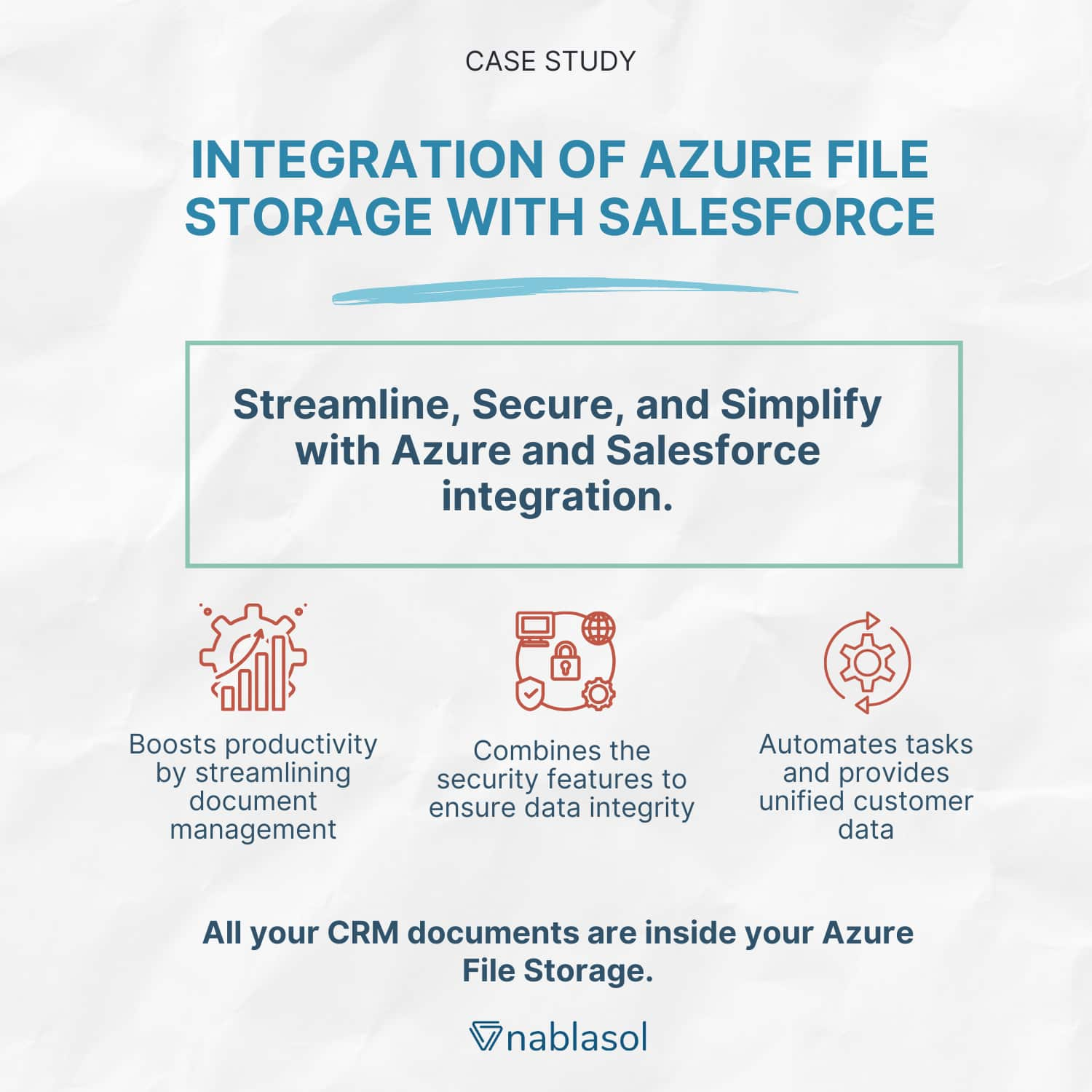
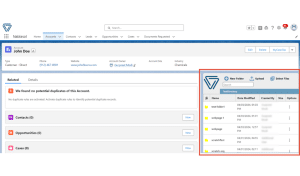
- Built AzureDMS, a custom Lightning Web Component that brings Microsoft Azure File Share Storage directly into Salesforce, so documents are managed inside the CRM.
- Enabled storing, viewing, and searching documents in metadata-structured folders.
- Added drag-and-drop file uploads and easy navigation between folders.
- Supported bulk operations like uploading, moving, copying, and deleting files and folders.
- Built it from custom metadata, Apex and test classes, remote site settings, custom permissions, and permission sets to keep access secure and profile-based.
- Paired Salesforce and Azure so the setup stays flexible and scalable as document volume grows.
Result
For this Salesforce team, managing documents directly inside the CRM removed the back-and-forth between platforms, cut the manual effort and errors that came with it, and gave staff a single, secure, profile-based view of documents alongside customer data, thus strengthening compliance and freeing people up for more strategic work, on a foundation built to scale.
If your team is switching between Salesforce and a separate file system to manage documents, it’s worth seeing what a native integration could simplify.
Book a free systems audit, and we’ll look at how your documents and CRM data fit together today, and where bringing them into one place would help most.